Apple’s Magic accessories—Magic Mouse, Magic Keyboard, and Magic Trackpad—continue to evolve alongside the Mac lineup, offering subtle but meaningful upgrades that enhance performance, connectivity, and everyday usability. Designed to pair seamlessly with Macs, iPads, and even Vision Pro workflows, the latest generation focuses on USB‑C connectivity, improved battery efficiency, and deeper macOS integration.
Here’s a closer look at what makes Apple’s newest Magic accessories stand out.
Magic Mouse: Minimalism Meets Multi‑Touch
Apple’s latest Magic Mouse keeps its sleek, low-profile aluminum design, but now features USB‑C charging for better compatibility across Apple’s product ecosystem. This shift aligns it with modern Macs and iPads, reducing cable clutter and eliminating the need for Lightning cables.
Key Features:
- Multi‑Touch Surface: The entire top shell functions as a gesture-sensitive surface. Swipe between web pages, scroll through documents, and switch between full-screen apps with intuitive finger gestures.
- Optimized Tracking: Enhanced internal sensors provide smooth, precise cursor control across a variety of surfaces.
- Rechargeable Battery: A single charge lasts weeks, and fast charging provides hours of use in minutes.
While its charging port remains on the underside—preventing use while charging—the long battery life minimizes inconvenience for most users.
Best for: Users who prefer a compact, gesture-driven mouse with a clean desktop aesthetic.
Magic Keyboard: Precision and Comfort
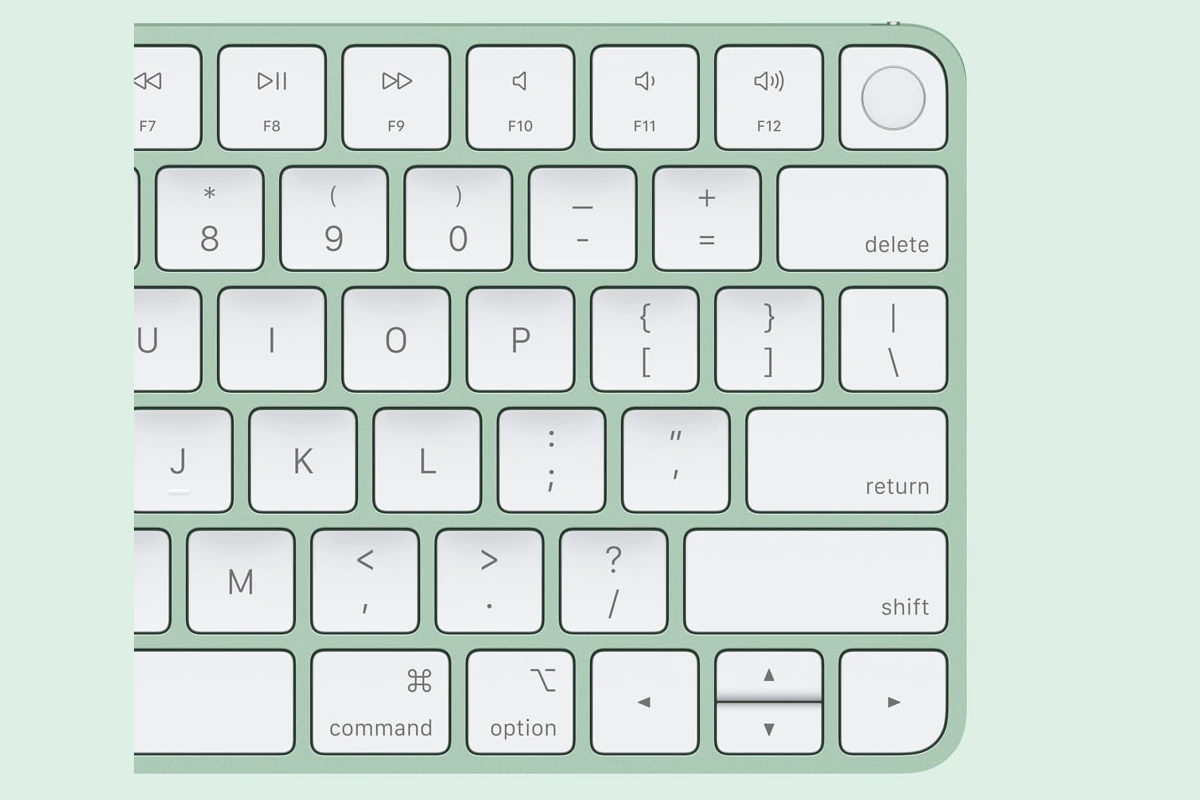
The Magic Keyboard remains a favorite among Mac users for its stable scissor mechanism and comfortable, low-profile typing experience. The latest version also adopts USB‑C charging and offers improved wireless performance.
Highlights:
- Refined Scissor Mechanism: Delivers 1mm of key travel for responsive and quiet typing.
- Touch ID Integration: Available on select models, allowing secure authentication, Apple Pay purchases, and fast user switching.
- Extended Battery Life: Can last up to a month or more on a single charge.
- Full-Size and Compact Options: Choose between a minimalist layout or a full-size version with numeric keypad.
Paired automatically with a new Mac, the Magic Keyboard offers instant connectivity and tight macOS integration.
Best for: Writers, professionals, and anyone who values a comfortable, precise typing experience.
Magic Trackpad: Desktop Gesture Powerhouse
For users who love MacBook trackpads, the standalone Magic Trackpad brings the same expansive Multi‑Touch experience to desktop setups.
What’s New:
- USB‑C Charging: Unified cable support with modern Apple devices.
- Force Touch Technology: Pressure sensitivity enables deeper interaction—preview files, look up definitions, and access contextual controls with a firm press.
- Edge-to-Edge Glass Surface: Provides smooth tracking and spacious gesture control.
The Magic Trackpad excels in productivity environments where gesture navigation, Mission Control, and creative workflows play a central role.
Best for: Designers, video editors, and multitaskers who rely heavily on gestures.
Seamless Ecosystem Integration
All three devices connect instantly to Macs via Bluetooth and automatically pair when purchased with a new Mac. They also work with iPads and other Apple devices, making them versatile across workspaces.
With USB‑C now standard across the lineup, Apple has simplified charging and improved compatibility, reinforcing its unified hardware approach.
Final Thoughts
Apple’s latest Magic Mouse, Magic Keyboard, and Magic Trackpad aren’t radical redesigns—but they don’t need to be. Instead, they refine what already works: minimalist design, reliable wireless performance, and deep macOS integration.
For users invested in the Apple ecosystem, these accessories remain some of the most polished and seamless input devices available—proving that sometimes, evolution is more powerful than reinvention.