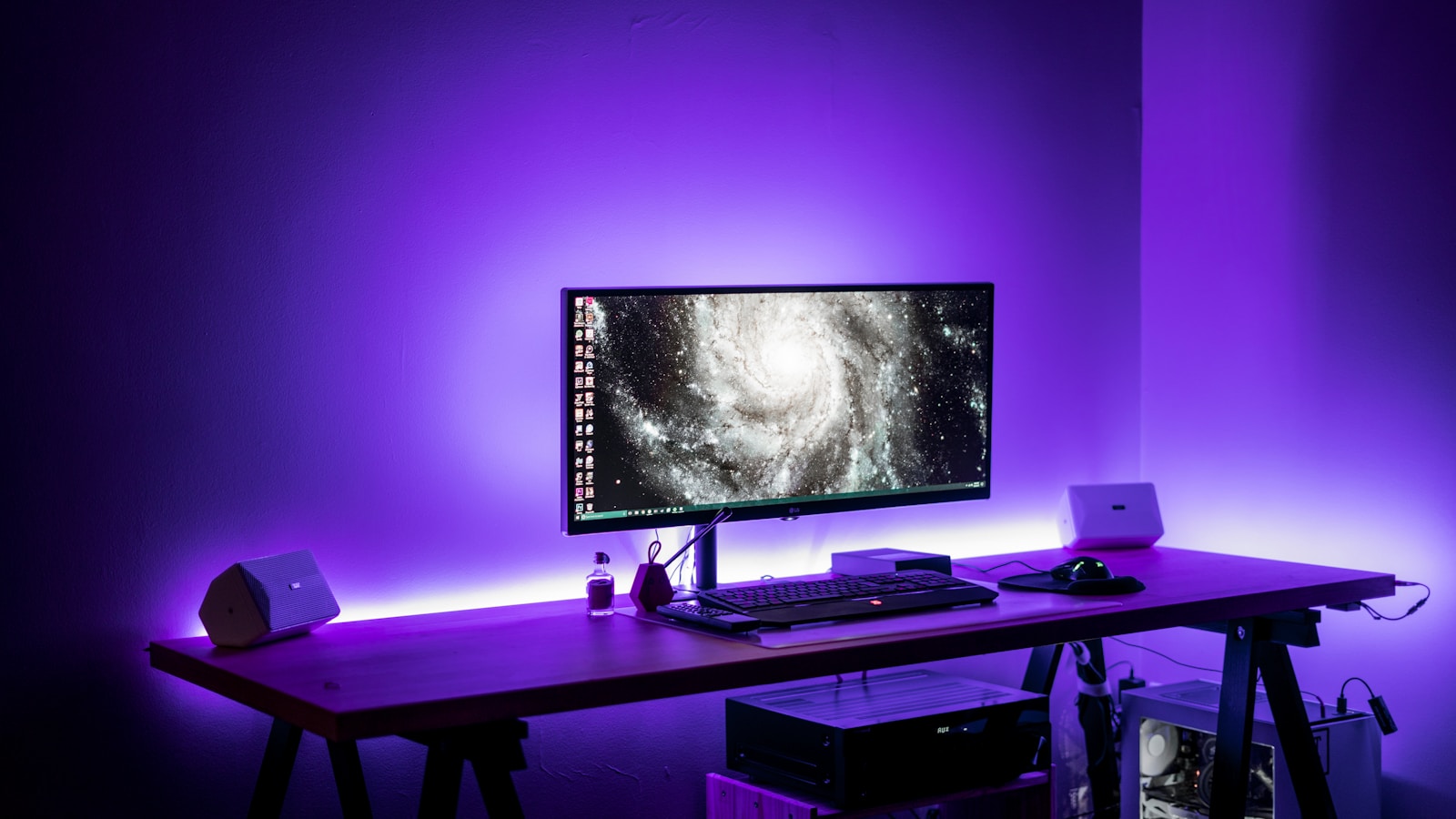
A great gaming desk does more than hold your monitor — it supports your posture, manages cables, fits your gear, and complements your setup. Whether you’re building a minimalist battlestation or a multi-monitor command center, here are the best gaming desks to consider in 2026.
🎮 What to Look for in a Gaming Desk
Before buying, consider these factors:
- Size: Do you need room for dual or triple monitors?
- Weight capacity: Important for heavy PCs and monitor arms.
- Cable management: Grommets, trays, and hidden channels help reduce clutter.
- Material: Solid wood, MDF, metal frames, or carbon-fiber laminate.
- Adjustability: Height-adjustable desks help prevent fatigue.
- Extras: RGB lighting, headphone hooks, cup holders, keyboard trays.
🏆 Best Gaming Desks in 2026
Below are the top options based on build quality, value, features, and gamer feedback.
1️⃣ Secretlab Magnus Pro
Best Premium Gaming Desk
The Magnus Pro is a metal sit-stand desk designed specifically for gamers.
Why it stands out:
- Built-in power column
- Magnetic cable management system
- Clean, minimal design
- Supports monitor arms easily
Best for: High-end, cable-free setups.
2️⃣ FlexiSpot E7 Pro Plus
Best Standing Gaming Desk
A powerful adjustable desk with high weight capacity.
Highlights:
- Dual motors
- Smooth height transitions
- Strong steel frame
- Great for heavy PC setups
Best for: Gamers who want ergonomic flexibility.
3️⃣ Eureka Ergonomic Z60
Best RGB Gaming Desk
Designed for aesthetics and immersion.
Highlights:
- Built-in RGB lighting
- Carbon-fiber textured surface
- Cable management tray
- Sturdy Z-frame design
Best for: RGB-heavy gaming rooms.
4️⃣ Arozzi Arena
Best for Large Mouse Space
Known for its full-surface mousepad.
Highlights:
- Huge 63″ surface
- Water-resistant microfiber top
- Excellent cable routing
Best for: FPS gamers using low DPI settings.
5️⃣ IKEA Bekant (Budget Pick)
Best Budget-Friendly Option
Simple, sturdy, and widely available.
Highlights:
- Affordable
- Clean design
- Works well with monitor arms
Best for: Entry-level setups or casual gamers.
📊 Comparison Table: Best Gaming Desks (2026)
| Desk Model | Type | Size | Weight Capacity | Height Adjustable | Best For | Price Range |
|---|---|---|---|---|---|---|
| Secretlab Magnus Pro | Premium Metal | 59”–70” | ~265 lbs | ✅ Yes (electric) | Clean, high-end setups | $$$$ |
| FlexiSpot E7 Pro Plus | Standing Desk | Multiple sizes | ~440 lbs | ✅ Yes (dual motor) | Heavy multi-monitor setups | $$$ |
| Eureka Ergonomic Z60 | RGB Desk | 60” | ~220 lbs | ❌ No | RGB aesthetic builds | $$ |
| Arozzi Arena | Large Surface | 63” | ~176 lbs | ❌ No | Large mouse movement | $$ |
| IKEA Bekant | Basic Desk | Multiple sizes | ~150 lbs | Optional (manual/electric versions) | Budget setups | $–$$ |
🖥️ Best Desk Size for Your Setup
- Single monitor: 48”–55”
- Dual monitors: 55”–63”
- Triple monitors: 63”+
- Ultrawide monitor: 55”+ recommended
If you use a large PC tower on the desk, consider extra depth (30” preferred).
🔌 Cable Management Tips
No matter which desk you choose:
- Use under-desk cable trays
- Add Velcro straps
- Mount your power strip under the desk
- Consider monitor arms to free up space
✅ Which Desk Should You Choose?
Choose Secretlab Magnus Pro if you want the cleanest, most premium solution.
Go with FlexiSpot E7 Pro Plus if ergonomics matter most.
Pick Eureka Z60 for RGB flair.
Choose Arozzi Arena for maximum mouse space.
Grab IKEA Bekant if you’re on a tight budget.
Final Thoughts
The best gaming desk depends on your:
- Room size
- Budget
- Setup complexity
- Ergonomic needs
For most gamers in 2026, a large, sturdy desk with cable management and optional height adjustment is the ideal balance.